Data management panel
Project tree
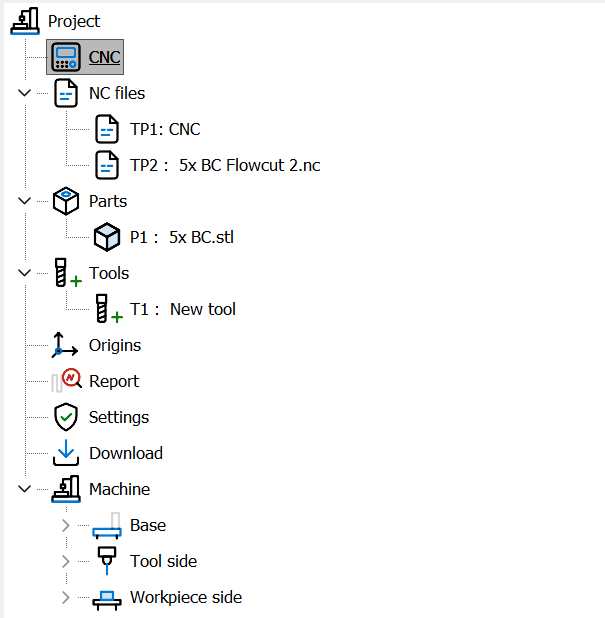
The project tree summarizes all the simulation data and gives access to its elements.
Each node opens a panel to manage the data of the selected node. Right-clicking a node opens a context menu with the operations related to the node itself.
The machine node shows the elements of the kinematic chain (Base, Workpiece side, Tool side). Selecting an element shows its data; the Transparency trackbar under the element color (0–90%, 0 = opaque) makes the element transparent in the 3D view, for example to see the part through a guard or a table. Right-clicking an NC file opens its menu without making it the active file.