Download center
Selecting this node, or Main menu panel › Utilities ›  Download, displays the download center.
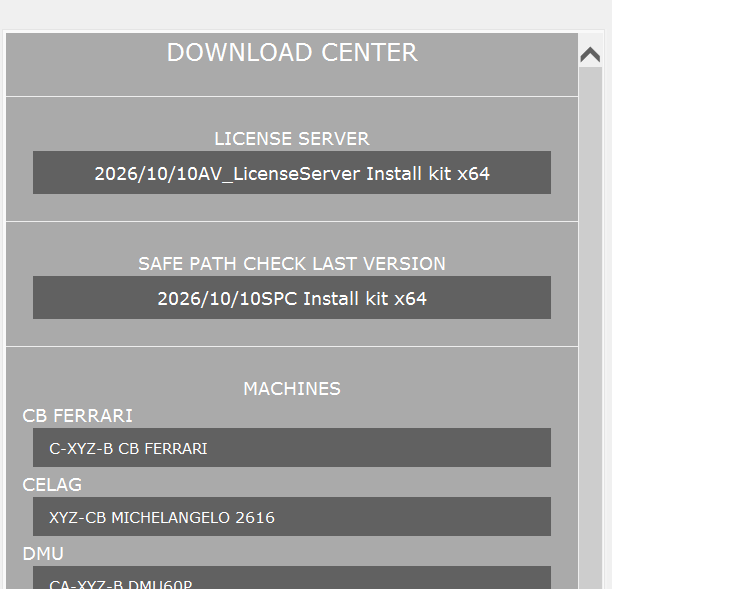
The download center keeps SPC up to date and lets you download additional machines.
- The download section shows the latest available version of SPC.
To install it click the button, download the file and run it.
Note: if the available version is more recent than the installed one, the download center is displayed automatically when SPC starts. - The machines section lists the machines available for download.
Clicking the button of a machine downloads a compressed file. Then select Main menu panel › Utilities › Machine install and choose the downloaded file to install the new machine.
Note: the new machine is available after restarting SPC.